
Recommended Podcasts for Creative Training Companies
Check out regularly updated list (directory) of favorite podcasts for creative teachers and coaches that are trying to start or grow a creative training business.

Helping creators build, launch, and operate course businesses.
Check out regularly updated list (directory) of favorite podcasts for creative teachers and coaches that are trying to start or grow a creative training business.
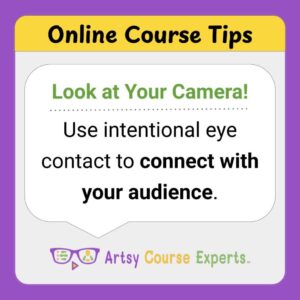
Intentional eye contact can make your videos feel more personal, engaging, and professional without any fancy equipment or complicated editing.

Your first customers are one of your best sources of information. Use their feedback to work out the kinks, improve your offer, and understand what your future customers actually need.

You don’t have to do everything! If a task doesn’t need your personal attention, automate it or delegate it so that it's off your plate. Less repetitive work means you’ll have more time and energy (AND a more manageable workload)!

Discover three ways to grow revenue in your creative education business by solving bigger problems, offering more services, and creating recurring revenue.

Make what matters clear and focused on any of your marketing headlines and sub-headlines. Stay focused on one key idea and utilize concise words to hook people.

Growth is a probability game. Each piece of content increases the number of ways people can find you, learn from you, and connect with what you offer.

Every page has a purpose, and that's why effective calls to action (CTAs) matter.

The strongest hook can be achieved by providing immediate value in the first 30 seconds of content. Once you provide that small win, viewers are probably going stay for a lot more!

The first version of a course isn't supposed to be perfect - it's supposed to solve a real problem for real students. So don't get stuck, launch and keep improving!