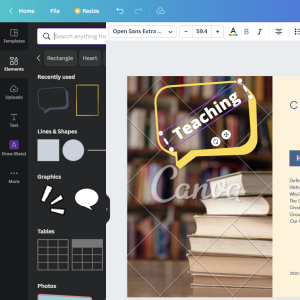
Photo By Artsy Course Experts
Using Canva To Create Quick Lesson Illustrations
Canva is a free, simple, and powerful tool that creative teachers can use to create course graphics and illustrations for your lessons and materials.

Teaching via a free or paid email news letter.
Canva is a free, simple, and powerful tool that creative teachers can use to create course graphics and illustrations for your lessons and materials.
Are your students feeling overwhelmed with dozens of online lessons all at once? If so, drip-feeding your content might be the key to helping your students learn in easy to digest steps instead of drowning in content.,
Students and instructors alike may have some first day jitters about what’s next in the new online course, but a welcome email can help alleviate those feelings. A welcome email introduces the instructor, provides essential web links, and lets students know what to do next.
Ratings and reviews can help customers that are considering to buy your online course. They help customers see real social proof about the quality of the lessons, materials, and the transformation your course will provide.

Frequently Asked Questions (FAQ) help your prospects when they are teetering on the see-saw of maybe buying your course or looking for a slightly different course with something added or removed.
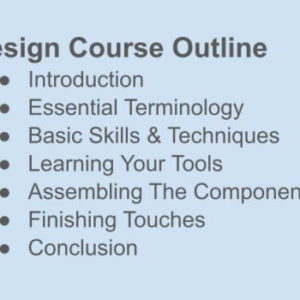
I love using bulleted lists on Word, Google Docs, Slides, text editors to create quick and strong outlines. Once you start a bulleted list, you can just type a few…

How using coupons can help you with your online course

Introduction Online course businesses have advanced over the years and from the look of things, online payments are here to stay. As you prepare to turn your online course into…
