Tips to Plan, Build, Manage, and Grow Your Creative Training Business
Browse Categories: Resources/page/2
Bonus, Templates, Workbooks

Photo by ArtsyCourseExperts.com
Zapier can simplify your tasks, from sending welcome emails to managing student data seamlessly. Explore ways to enhance your online courses using Zapier, making your online teaching more efficient and engaging.

Photo by ArtsyCourseExperts.com
Email addresses for trainers are important to run your business and help grow your sales. This lesson explains how to set up and manage different email addresses to have efficient communication for you, your team, and your students.
Photo by RODNAE P. On Pexels
If you need a resource guide for your course or website lead magnet, you’ll need a simple way to create and share PDFs with your prospects and students. This lesson summarizes how to Creating a PDF resource file with Google docs.

Photo by Erol A. on Unsplash
Online course teachers, coaches, and community leaders should leverage directory resources for prospects and students. These curated mini databases are useful, valuable, and helpful to students trying to achieve new goals.

Photo by Nature U. on Unsplash
Online teachers can improve their courses by embracing Diversity, Equity, and Inclusion (DEI). Your expanded universe of students will sense that they can come as their authentic self to achieve their goals.

Photo by Muhammad D. on Unsplash
Learn the best practices for teachers searching for course images. This includes finding free, high-quality, and affordable licensed photos without getting in legal trouble with trademarks and copyrights.
Photo by Hanson L. on Unsplash
Learn how the ADDIE instructional model can help you design effective online courses for your creative students.
Teachers that create and use online course resources like guides help students faster and earn more money. This article summarizes how to create a guide for your course.
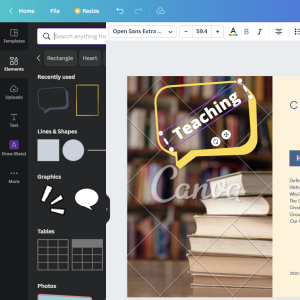
Photo By Artsy Course Experts
Canva is a free, simple, and powerful tool that creative teachers can use to create course graphics and illustrations for your lessons and materials.

Photo by Kelly S. on Unsplash
Does your creative course make it easy for students to ask relevant or unique questions to the teacher or the class community?